The weather on the second day of Drupalcon was more than unfriendly. But at least that made it easy to hide in the Convention Centre and listen to a lot of exciting sessions. Here's a report of what I took away from it.
Thriving in a world of change: future-friendly content with Drupal
I almost dare to say that Karen McGrane's keynote is my absolute highlight of Drupalcon. While there are still almost two thirds ahead of me, the concentrated truth of this session will be hard to beat.
To cut a long story short: Karen explained what we at Zensations have been advocating for years. The internet does not consist of pages, but of content, and this content must be portable. Content must be strictly separated from presentation, and WYSIWYG editors are a metaphor from a bygone era. Yes, at this point Drupal 8 also receives its (in my opinion, justified) criticism.
I don't want to say more about it at this point, as I do not wish to presume to fully reproduce Karen's words. Just watch the recording – it's urgent.
What's new in Drush 6
After the very conceptual start to the day, a technical, practical counterpoint was needed and "What's new in Drush 6" came at just the right time. The session on Drupal's command-line interface ultimately consisted not only of the new features in version 6, but also a small Best-of-overlooked from version 5. According to the developers, Drush 6 can be used with a clear conscience. Here's a short list of things you should probably just try out:
- shell aliases: Drush offers the possibility to define command shortcuts for frequently used commands.
- quick-drupal: The command for quickly installing a website can now handle Makefiles. This means you can load and test an entire distribution with a single command.
- site-set: Allows you to permanently set a site alias for a terminal session. Further instructions can be found in the video recording.
- config-edit: For those already dabbling with Drupal 8: Drush 6 offers a command to load a configuration file into the editor and feed it directly into the running system upon saving. I could imagine combining this with a file watcher. Sounds very practical.
- Roles & Permissions can be fully controlled from the command line in the latest version.
- Drush Make has been extended with a few small features. For example, it is now possible to load a distribution directly instead of a Drupal core, and extend it with your own modules. And it is now possible to apply locally stored patches.
- Output formats: Drush 6 can convert the output of any command into various formats such as JSON, XML, or CSV, allowing it to be better integrated into more complex scripts.
This was just an excerpt of the features that seemed most important to me. If you work with Drush, it's worth watching the entire session recording.
Changes of plan
According to my schedule, I intended to attend the sessions "Mistakes agencies make" and "SASS – OO’S’CSS with extends and eilend placeholders", but I quickly abandoned that plan when two BoF's (Birds of a Feather – informal discussions in small groups) formed that I couldn't resist.
WYSIWYM – What you see is what you mean
Inspired by the day's keynote, there was a discussion about how to improve the Content Editing Experience. In my opinion, the discussion unfortunately went a little in the wrong direction. There was extensive deliberation on how it would be possible to retain the visual approach of a WYSIWYG editor and to guess, via complex algorithms, what semantic meaning the formatting might have. Instead of looking for a solution on how to create a semantic input system that does not rely on the error-prone and lossy abstraction of visual marking. They went – as we say in Austria – 'round the houses.
Omega – Where are we heading
The discussion was intended to find out how people are coping with the new version of the popular Base Theme Omega, but at some point, it mutated into an educational session about what SASS actually is. Something many people apparently still don't know, and which might have deserved its own session at Drupalcon.
Using Twig: The new template engine in Drupal 8
One of the big and most eagerly awaited new features of Drupal 8 is the integration of the template engine Twig. Here are a few reasons why this is so important:
- Consistency: (Almost) the complete markup of Drupal is generated via a uniform system, instead of an opaque pile of
themefunctions and template files. - Simplicity: You don't have to be a programmer to work with Twig templates. And they behave similarly to other popular template systems like Smarty or Handlebars, which should significantly ease the entry into Drupal theming.
- Security: With Twig, it will be almost impossible to unintentionally produce security vulnerabilities in the theme. All output is sanitised by default, meaning it's checked for potentially dangerous code.
- Partial Overrides: Within a template, it is possible to define sub-blocks that can then be overridden separately, without having to duplicate the entire template file as before. In my opinion, this is THE killer feature of Twig.
This all sounds too good to be true, and the coin also has a flip side: it's a lot, a lot, a lot of work. To keep Twig securely in Drupal 8 Core, the goal had to be adjusted slightly. Instead of converting the entire Core output to Twig, only existing *.tpl.php files are converted, while theme functions remain as they are. However, you have the option to override them with Twig in your own theme. A sensible workaround, but one that diminishes the advantage of consistency. A problem that we could also tackle outside of Core in the form of a base theme (yes Omega, I'm looking at you).
The Zen of HTML prototyping & designing in the browser
The talk by Josh Riggs from the Lullabot Team pleasantly surprised me. Mainly because the title was a bit misleading. Or I misunderstood it… whatever the case. With Designing in the Browser, I thought of the approach of laying out and designing a website without the aid of static Photoshop graphics. Which I consider equally desirable, theoretical, and unrealistic.
Instead, it was explained why static mockups are not useful and what possibilities exist to quickly and easily create "living" HTML dummies that better illustrate circumstances such as click paths and display on different screens. This ultimately leads to simpler and more efficient communication during the prototyping phase. I will definitely test this approach.
Work hard, party hard!
After the sessions ended, we briefly ambushed the stand of Jetbrains, the developers of the popular IDE PHPStorm, to press our desire for certain features or bug fixes a little. Instead of answers, they gave us T-shirts and yo-yos – a brilliant move.
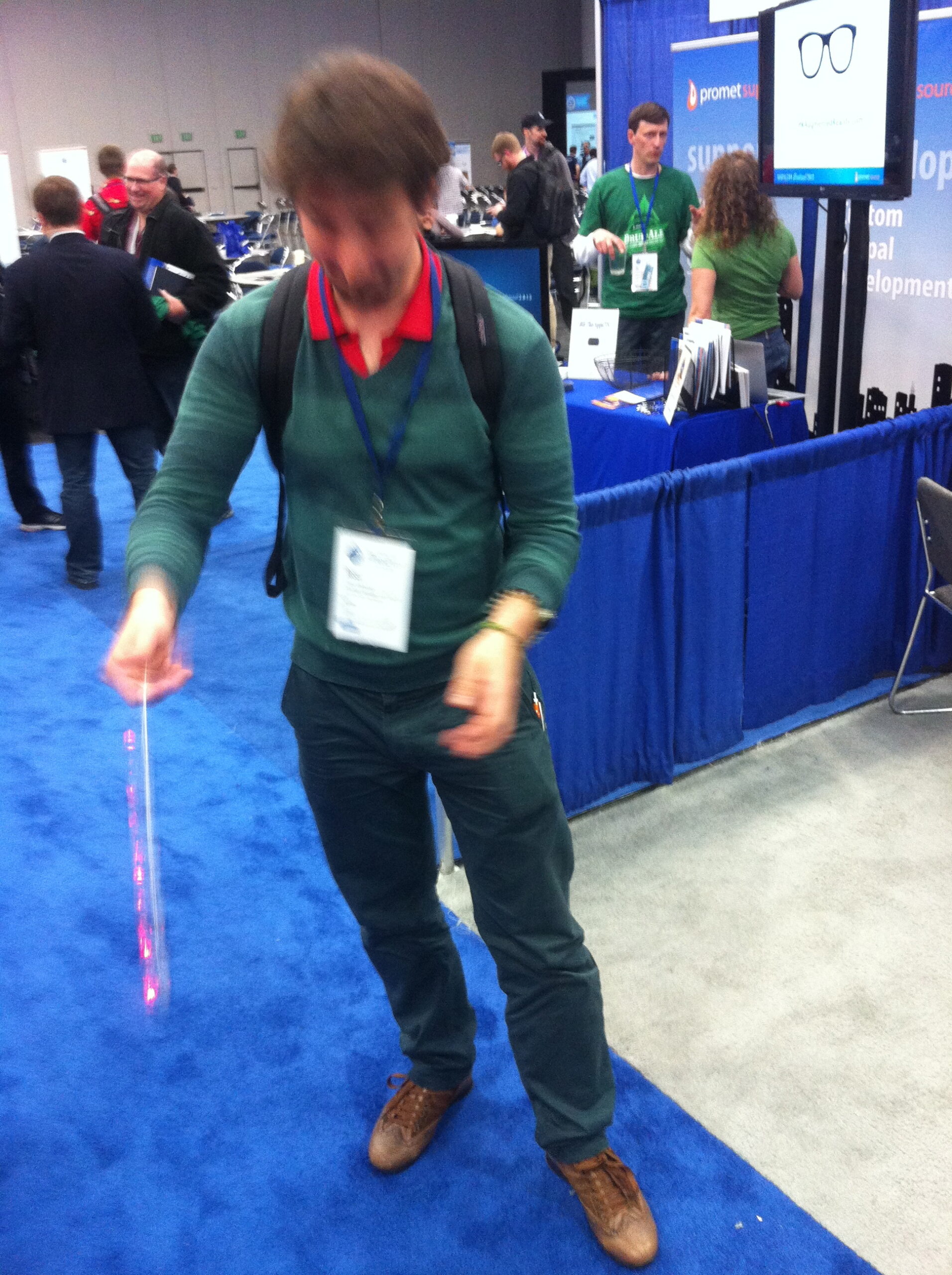
The evening concluded as usual with a party hosted by many local Drupal companies. This time courtesy of Pantheon – we thank them for the wine, women, and song!