Email is the best way to reach customers – it is almost 40 times more effective than Facebook and Twitter combined. At least, that's what a McKinsey study says. This argument and many other reasons make email, and newsletters in particular, a popular marketing tool.
However, email also has its pitfalls. Due to a lack of standards, each email client has its own methods for rendering HTML and CSS. Therefore, many old and new programs need to be tested and workarounds found to ensure emails are displayed correctly in every mail client and on every device.
Display on smartphones or tablets plays a particularly important role. As emails are often accessed on mobile devices today, newsletters must also be displayed correctly on every device. Responsive design therefore plays a crucial role. Fundamentally, there are many providers who offer responsive templates for free or for a one-off payment. However, if the corporate design of one's own company or the client requires a custom template, the problem often arises that creating a custom newsletter template far exceeds budget expectations and in many cases is not strictly necessary.
To counteract this problem, in the following article, we want to show what possibilities and tips exist for creating newsletter templates adapted to corporate design, even with smaller budgets, and for streamlining the workflow involved in their creation.
Designing Email Templates
STEP 1 (OPTIONAL): DOWNLOAD A BASIC TEMPLATE
As already mentioned, many providers offer basic templates or pre-designed templates for free or for a one-off payment.
If you prefer to start with an existing design that might already be similar to the final product or on which you can at least build, you will find what you are looking for at themeforest, pixel77, and copernica.
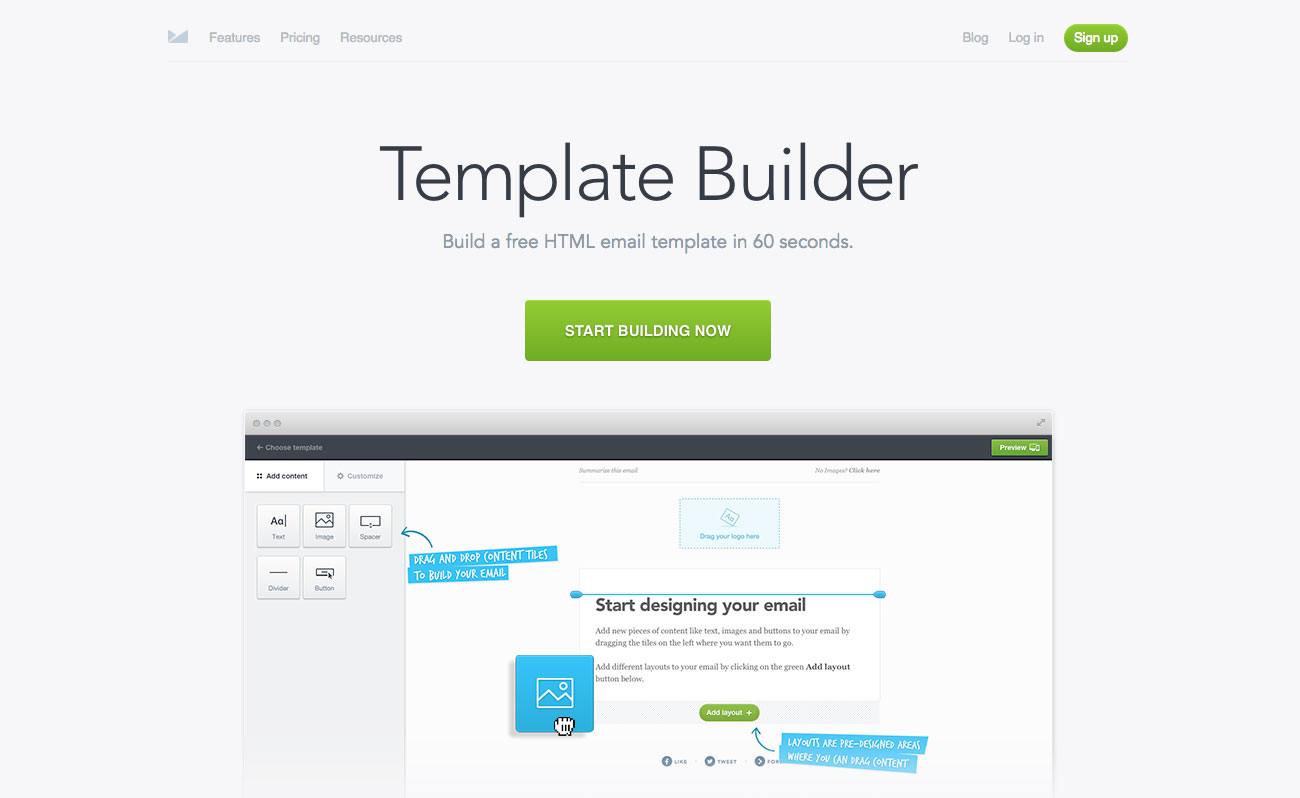
However, if the structure needs to be completely custom, then Campaign Monitor is a good choice. On the one hand, they offer an Online Template Builder, with which you can build responsive, fully tested templates online that are even suitable for Outlook and Gmail. On the other hand, they also provide a Campaign Tool. This is, however, subject to a fee. The Online Builder is easy to use and also offers the option to download the HTML code to make custom changes that are not possible with the pre-built builder or to use a different Campaign Tool.
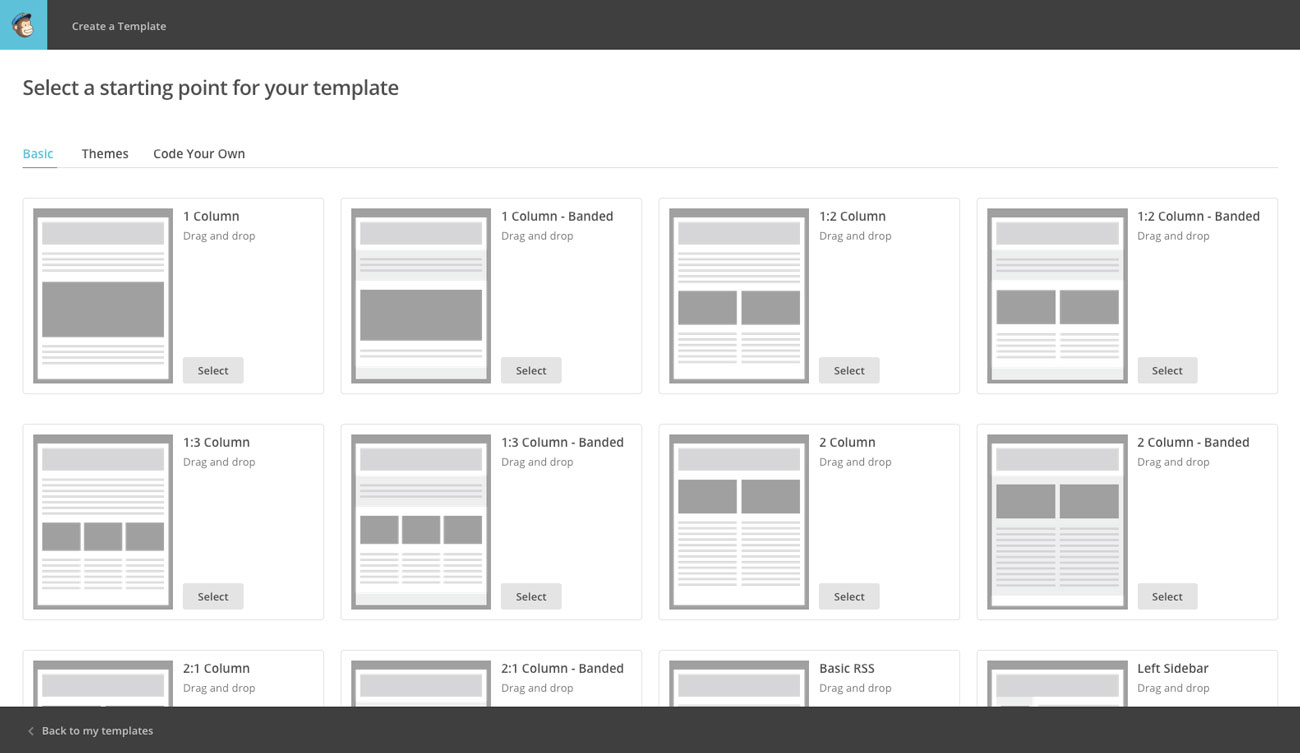
At least as good (or even better?) is MailChimp. It's the all-rounder in the email field, as it provides both pre-designed templates and a drag and drop email designer.
For those who want to code their own template, MailChimp offers six responsive email templates that feature a responsive structure and whose code can be downloaded for editing. You can then consult the Email Template Reference Guide.
Another framework that provides several tested basic structures, which can then be extended/modified as desired, is offered by ZURB Ink, for example. They provide five responsive email templates that support all email clients (even Outlook) and can be individually customised with the help of the documentation. The same applies to Cerberus, who offer two templates: one with and one without media queries.
STEP 2: THE FUN WITH THE CODE
So far, so good. But now the fun truly begins. Whether you are an experienced web developer or a beginner, from now on it's: forget everything you know about web development. You can neither use divs nor set a margin. Semantic HTML and the latest CSS features are unfortunately unusable for emails.
If no existing and tested template is used, a structure must first be formed – using tables nested within each other. This structure should then be tested immediately. Litmus or Email on Acid are best suited for this. In general, you should test very, very often during the creation process to avoid being confronted with many interdependent bugs later on.
During the development process, you should display the borders to maintain a good overview. Nicole Merlin, in the article What You Should Know About HTML Email, recommends the following workflow, for example: + Create skeleton + Test + Insert content + Test + Style colours and fonts + Test + Remove borders + Test and send
However, one must also remember to validate with the W3C Validator.
Pages could be written about this part, but fortunately, others have already done so. Here too, you can find much help on the web, such as a tutorial on how to create a simple responsive HTML email with all its challenges and workarounds.
STEP 3: SENDING WITH AN EMAIL CAMPAIGN TOOL
Popular tools for sending are MailChimp and Campaign Monitor. They are easy to use and can be used with a free account. With MailChimp, the Campaign Tool is even free for up to 2000 subscribers and 12000 emails per month. These tools automatically inline your CSS code, so it is rendered in most email clients.
Conclusion
Creating email templates remains a challenging endeavour. Fortunately, there are several tools that simplify the process and help navigate the client chaos. Through these, we consistently find ways to design newsletters that ultimately align with our clients' corporate identity.